
When Vegas Sweeps 777 stops working in the middle of a session, the cause is almost always on your side of the screen, not ours, and the fix usually takes less than ten minutes. This guide walks through the problems players report most, in the order you should check them, using the exact steps our support team runs through every day.
One thing to know before you start: Vegas Sweeps 777 runs entirely in your browser. There is no official app to update, reinstall, or clear data from. If a guide tells you to update the Vegas Sweeps app from a store, it is describing a different product, usually a copycat, and following it will not fix anything on our site.

First: The 60-Second Checks
Run these before anything else. They solve most reports on their own.
- Make sure you are on the real site. The only official address is vegassweeps777-online.com. Copycat domains look similar and often break halfway through a session because they are not the real platform. Bookmark the real address and open it from the bookmark every time.
- Test your connection. Open any other website. If it also loads slowly, the problem is your internet, not the casino. Switch between Wi-Fi and mobile data and try again.
- Try a different browser. If the site works in Chrome but not in your usual browser, you have isolated the problem to a browser setting, which the next section fixes.
- Check whether you were logged out. A session can expire while a tab sits open. Log in again from the homepage before deciding the site is broken.
The Page Will Not Load or Shows a Blank Screen
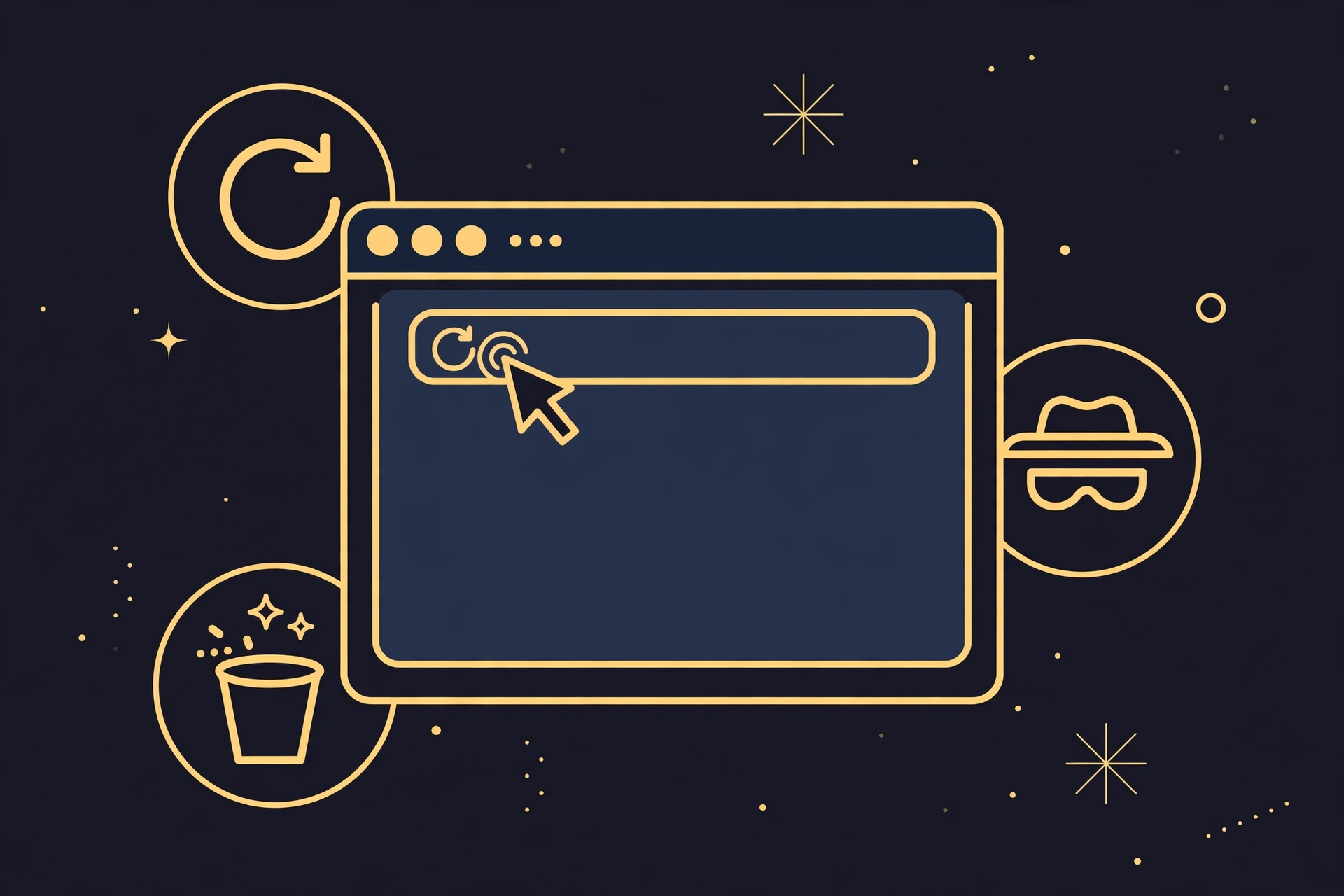
A blank page or a spinner that never ends is usually old cached data fighting the current version of the site. Fix it in this order:
- Hard refresh. Hold Shift and press the refresh button, or press Ctrl+Shift+R (Cmd+Shift+R on Mac). This reloads the page without the old cached files.
- Clear the browser cache for the site. In your browser settings, find the option to clear browsing data for the last 24 hours, or for vegassweeps777-online.com specifically. You do not need to wipe your whole history.
- Pause ad blockers and privacy extensions on our domain. Aggressive blockers sometimes stop the game frames from loading. Pause them for our site and reload.
- Try a private or incognito window. If the site works there, an extension or a stored setting in your normal window is the cause. Switch extensions back on one by one to find the culprit.
- Turn off your VPN. Some VPN exit points get flagged or routed badly, which can break loading. Disconnect the VPN and reload the page directly.
If the homepage loads but one specific page does not, note which page. That detail helps support find the problem fast, as the last section of this guide explains.
Login Problems
Most login trouble comes down to three things: a mistyped password, an expired session, or a locked account. Work through them in that order.
- Password not accepted. Check caps lock and try once more, then use the reset link instead of guessing again. Repeated wrong attempts can trigger a temporary lock.
- Logged out for no clear reason. This happens after long idle periods or when you switch networks, for example moving from Wi-Fi to mobile data. Log in again. If it keeps happening on one device only, clear that browser’s cache as described above.
- Account locked. A lock freezes access but does not touch your balance or any pending cashout. Do not create a second account to get around it. That breaks the one-account rule and makes the review take longer.
Games Will Not Load or Freeze Mid-Game
Game frames are the heaviest part of the site, so they show device strain first. If the lobby loads but games do not:
- Close extra tabs and apps. Every open tab uses memory. On phones especially, closing background apps frees enough resources for the game to load.
- Update your browser. Game frames use current web standards. A browser that is months out of date can fail to render them. Update to the latest version and reload.
- Restart the browser completely. Not just the tab. Close every window and open it fresh. This clears stuck processes that a refresh cannot reach.
- Try the game in Gold Coin mode first. If Gold Coin mode works but Sweeps Coin mode does not, the issue sits on the account side rather than the device side, and support can check it directly.
A freeze mid-game does not eat your balance. Your balance lives on our servers, not on your screen, so reloading cannot erase a win that already posted. Reload the page, log back in if needed, and check your balance. If anything looks off, contact support with the game name and the time it froze.
And a frozen game is never a reason to download anything. There is no official Vegas Sweeps 777 app, and no download fixes a browser game. Files offered as game fixers are malware or login stealers. Delete them and do not run them.
Deposit or Cashout Page Issues
If the cashier will not open or a button stays greyed out, the cause is usually one of these:
- An ad blocker is stopping the cashier frame. Pause blockers on our domain and reload, the same fix as the blank-page section.
- Your Sweeps Coins balance is below the minimum shown in the cashier. A greyed-out redeem button is the site showing you the minimum, not a bug. The cashier screen shows the current figure.
- Verification is incomplete. First cashouts need the one-time identity check.
What Not to Do While Troubleshooting
Frustrated players get targeted. While you fix the problem, avoid these traps:
- Do not download fixer tools or APK files. Anyone offering a Vegas Sweeps 777 app, a game patch, or a loading fixer is not us. Our site has no app and needs no downloads. These files steal logins or install malware.
- Do not pay anyone to unlock or repair your account. Support is free, 24/7, on the site itself. Anyone charging a fee to fix your account is running a scam.
- Do not share your password with support that contacted you first. Our team never asks for your password. If someone messages you claiming to be support, open a fresh chat from the site yourself instead of replying.
- Do not create a second account. Duplicate accounts get flagged and slow down every review, including the one you are trying to speed up.
When to Contact Support (and What to Tell Them)
If the steps above did not fix it, our 24/7 live chat takes it from here, or call +1 4244044334. To get the fastest answer, have this ready before you open the chat:
- Your device and operating system (for example, an iPhone on iOS 18, or a Windows laptop).
- Your browser and its version (Chrome 131, Safari 18, and so on).
- Exactly what happens, in order: which page, what you clicked, what you saw.
- What you already tried from this guide.
- A screenshot of any error message, if one appears.
That list turns a twenty-minute back-and-forth into a two-minute diagnosis. Support can also check account-side causes you cannot see yourself, like a pending verification or a session conflict from another device.
Frequently Asked Questions
Is Vegas Sweeps 777 down right now?
Full outages are rare. In almost every case we investigate, the site is up and the problem is local: connection, cache, browser, or VPN. Run the 60-second checks at the top of this guide first. If the site loads on mobile data but not on your Wi-Fi, your network is the cause.
Why does Vegas Sweeps 777 keep logging me out?
Sessions expire after long idle periods or when your network changes, such as moving from Wi-Fi to mobile data. If it happens repeatedly on one device, clear that browser’s cache. If it happens on every device, contact support, because it may be a session conflict on the account side.
Do I need to download an app to fix loading problems?
No. There is no official Vegas Sweeps 777 app, and no download fixes browser issues. Anything asking you to install a Vegas Sweeps app is not official. Play only at vegassweeps777-online.com in your browser.
The game froze during a win. Did I lose it?
No. Your balance lives on our servers, so a frozen screen cannot erase a win that already posted. Reload the page, check your balance, and contact support with the game name and the time it froze if anything looks wrong.
Who do I contact if nothing here works?
Use the 24/7 live chat on vegassweeps777-online.com or call +1 4244044334. Have your device, browser, and a description of the problem ready, as listed above. Support is free.
Most not-working moments end with a cleared cache and a working session. Bookmark this page and the help hub so the next hiccup costs you minutes, not an evening. And if you are new here, the sign-up guide takes you from zero to playing in minutes, with code WINBIG30$ adding $30 free play to your first deposit while the first-1000-player offer lasts.
1 thought on “Vegas Sweeps 777 Not Working? Quick Fixes That Actually Help”